
VR Module · Mechanical · Engineering
Thermal Power Plant - VR module.
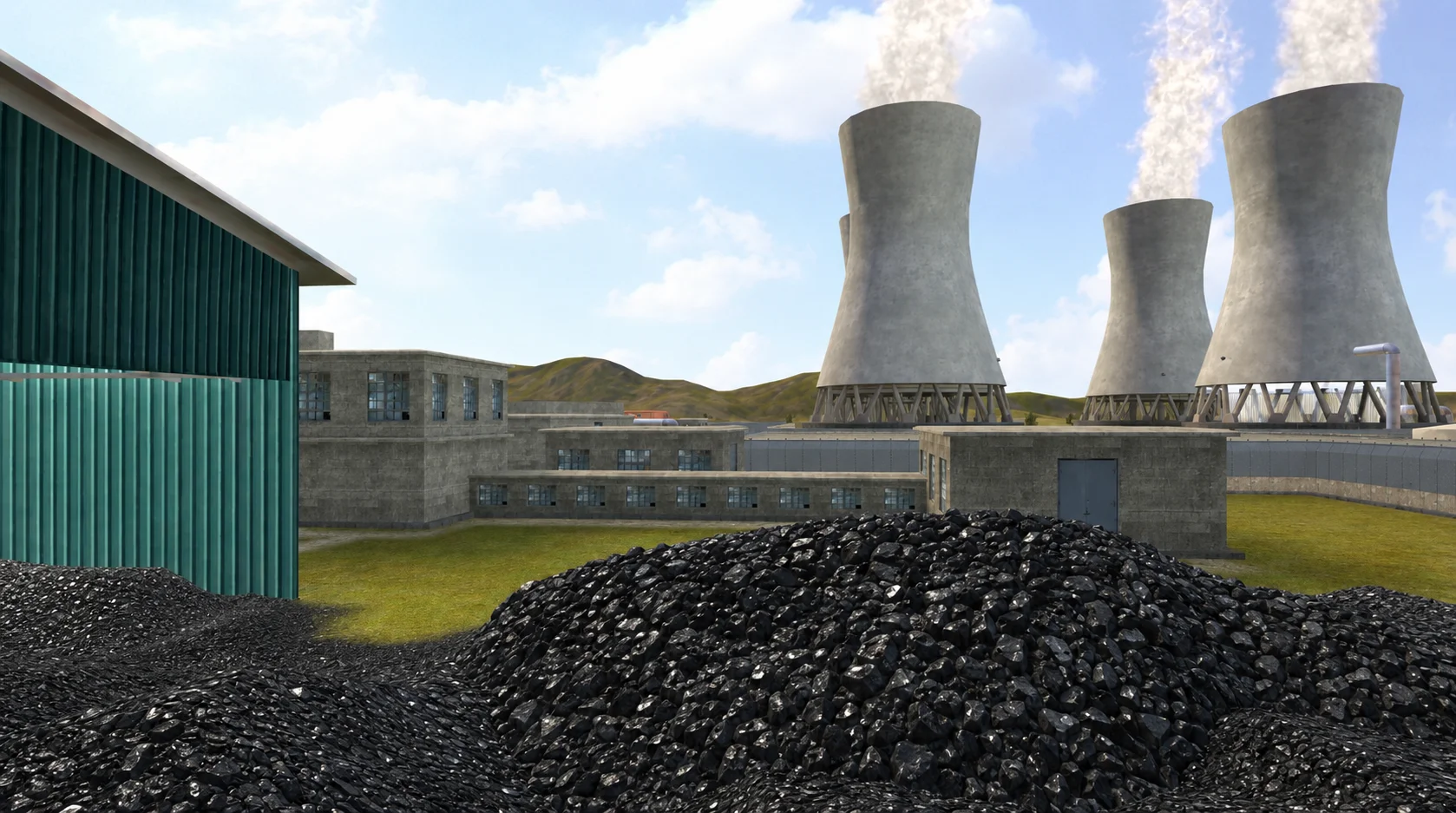
Walk through a working thermal power plant in VR - follow the energy path from boiler to turbine, condenser, and generator, and see how heat becomes electricity.
See it
Module media.
Learning objectives
By the end of this module, students will be able to:
Identify the major sections of a thermal power plant and trace the flow of energy
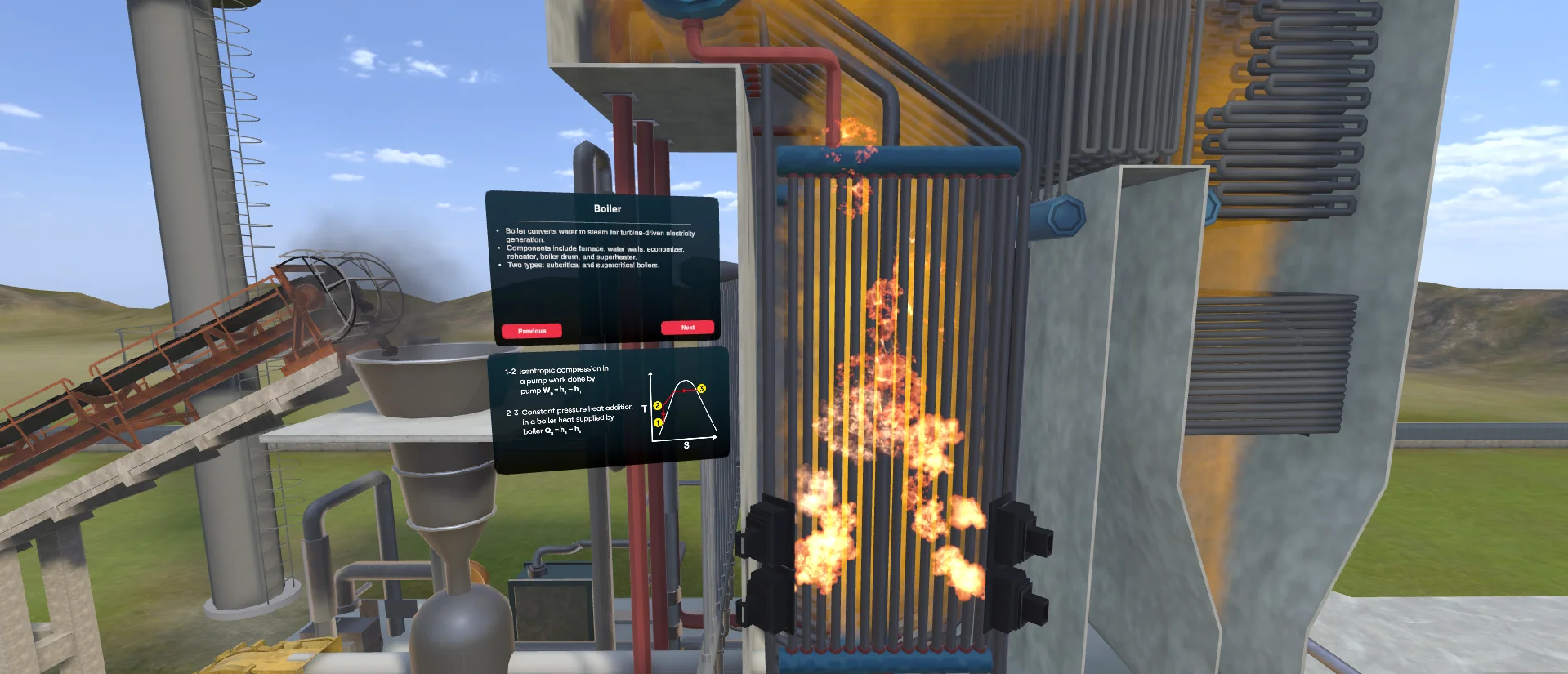
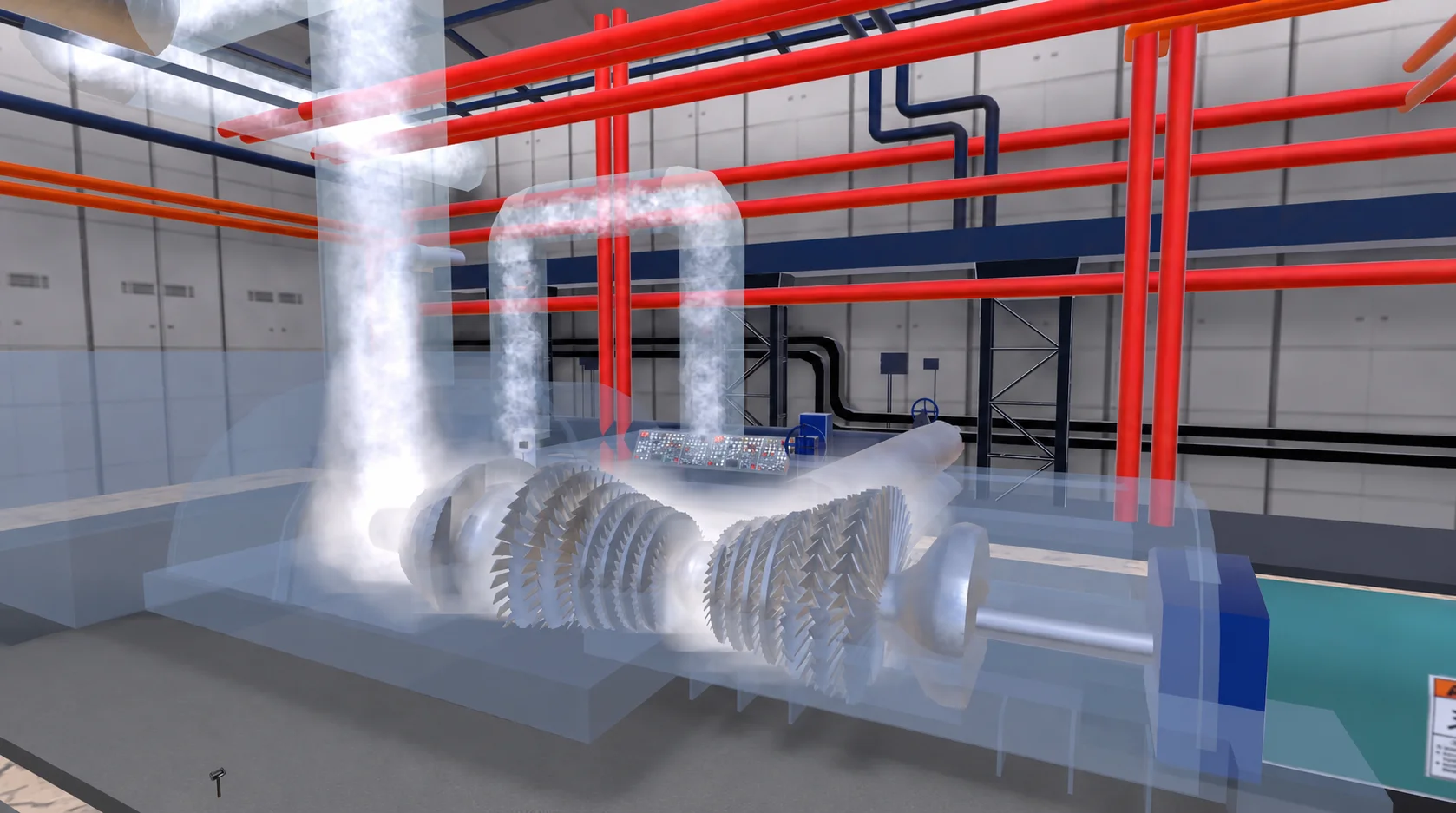
Explain the role of the boiler, turbine, condenser, and generator
Describe the Rankine cycle and where heat is added and rejected
Operate each stage and observe the effect on plant performance
Complete a scaffolded assessment on power plant operation
About the module
A power plant you can walk through, stage by stage.
Textbooks reduce a thermal power plant to a block diagram. This VR module lets students stand inside a working plant and follow the energy as it moves - from the boiler, through the turbine, to the generator and around the condenser loop.
Students operate each stage and watch how pressure, temperature, and flow change along the Rankine cycle, building an intuition for where energy is added, extracted, and lost.
The 7thi AI tutor sits alongside the whole experience, scaffolding the difficult parts and giving subject-aware answers in context. Built-in assessment lets faculty see, per student, who has grasped which concepts - without grading another paper.
ABET (United States)
Supports ABET Student Outcomes 1 and 6 - applying engineering knowledge and conducting experimentation. Detailed mapping available on request.
IEAC (United Kingdom)
Aligned with Washington Accord graduate attributes for complex engineering problem-solving and investigation. Detailed mapping available on request.
University syllabi
We map this module to your institution's own power plant engineering syllabus before deployment. Request a custom mapping.
NBA (India)
Maps to Course Outcomes in Power Plant Engineering, contributing to POs around problem-solving and modern tool usage.
Get this module
Included in these iXRLabs packages.
Mechanical Engineering
Core100 mechanical VR modules - thermodynamics, fluid mechanics, machine design, manufacturing, heat transfer, and IC engines.
Complete Engineering
All disciplinesThe full engineering library - 240+ modules across mechanical, civil, and electrical, including Thermal Power Plant.
Custom rollout
QuotePick specific modules, devices, and seat counts. We'll scope a deployment for your department.
7thi and assessment in this module
7thi in this module
Students can ask 7thi questions at any point - about power plant engineering or anything they see in the simulation. 7thi answers in context, without breaking the flow.
Assessment
Session data - concepts mastered, time per scene, assessment scores - appears on the faculty dashboard. Export to your LMS via xAPI.
Keep exploring
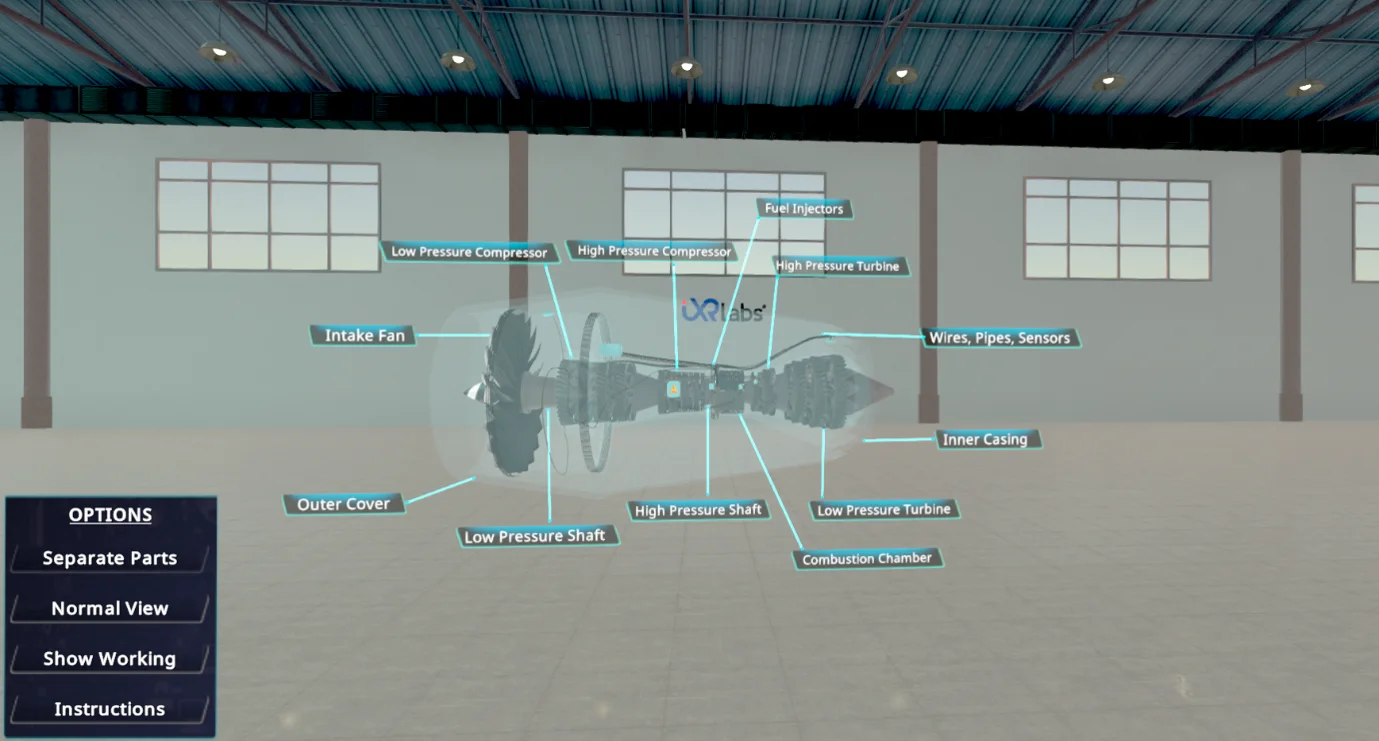
Related engineering modules.
What prior knowledge do students need?
Foundation-level understanding of power plant engineering. Suitable for undergraduate students and above.
How long is a typical session?
About 40 minutes for a full run including assessment. Students can pause and resume, and faculty can assign specific parts rather than the whole module.
Can this be used in a flipped classroom?
Yes. Students complete the VR module before the lecture, so class time focuses on analysis and discussion.
Is the assessment graded automatically?
Yes. Assessment scores appear on the faculty dashboard immediately. Faculty can adjust pass thresholds and export results to their LMS.
Which headsets is this module optimised for?
Meta Quest 2 / 3 / Pro, ClassVR, Pico, and any WebXR-compatible browser. It also runs in desktop browsers without a headset. We also support the Meta XR SDK, OpenXR, and any 6DOF headset.
See Thermal Power Plant live in a demo.
Thirty minutes, the full module, your curriculum questions answered.