
Turn STEM lessons into immersive experiences.
The iXRLabs STEM VR App brings interactive, curriculum-aligned learning into the classroom. 74 mapped modules across Biology, Chemistry, Physics, and Engineering let students aged 13–18 explore scientific concepts, lab processes, and applied systems in immersive 3D — on any major XR headset, or in a browser with no headset at all.
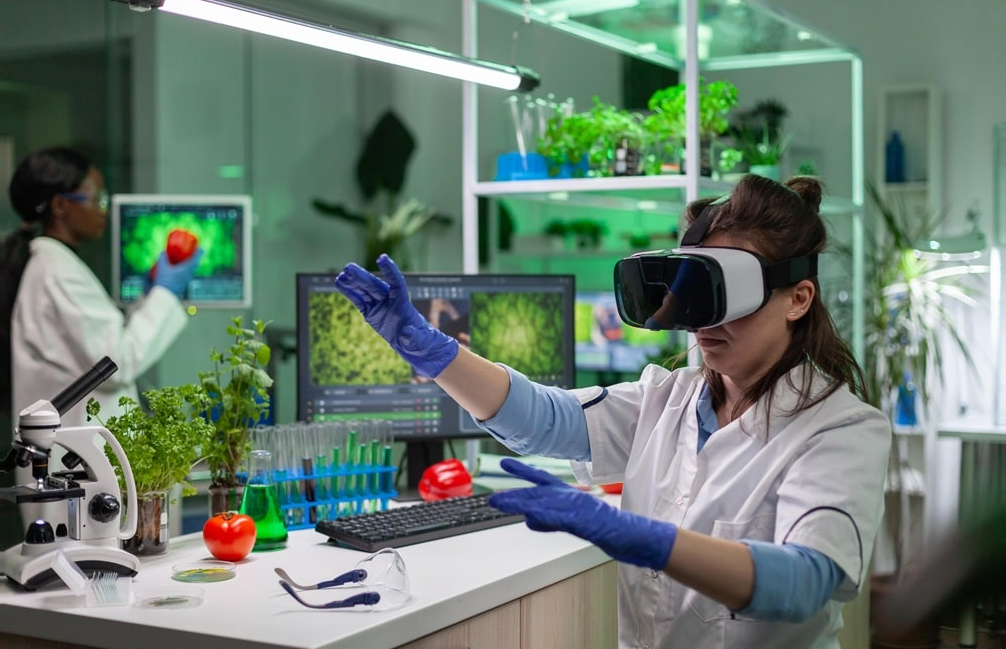
One app. Four STEM subject areas.
Every module is mapped to school-level learning outcomes and built for short, teachable sessions. Teachers move between biology, chemistry, physics, and engineering without changing platforms, hardware, or lesson routines.
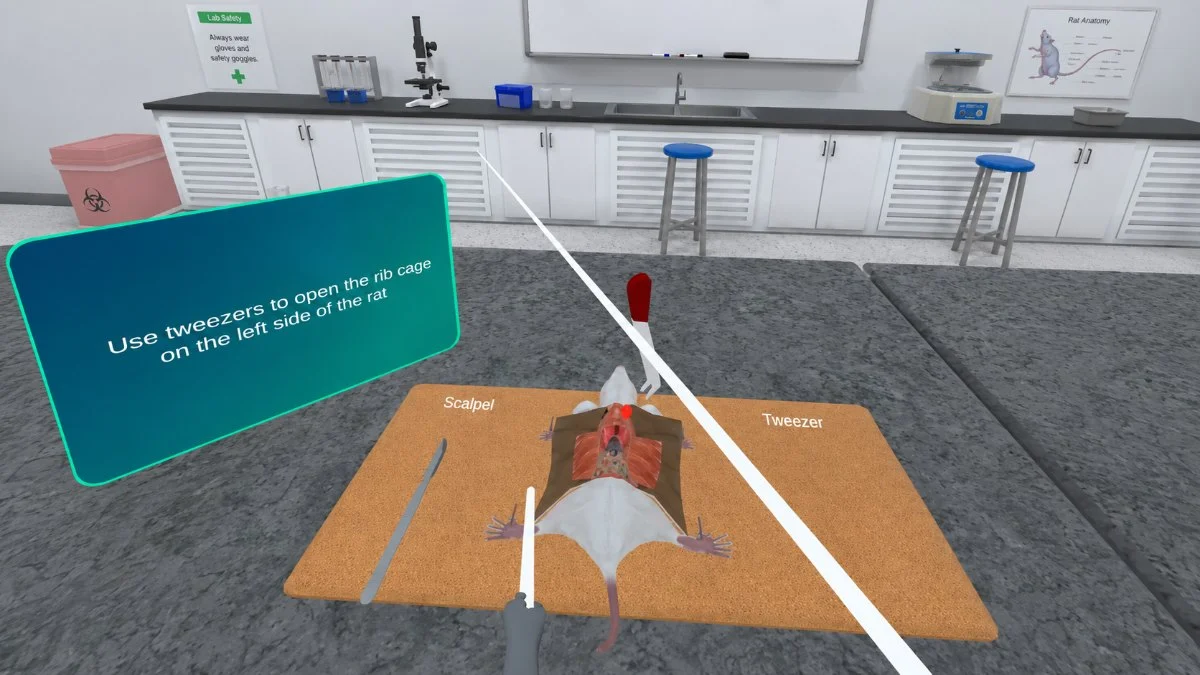
Biology
33 modules — human body systems, dissections, cell division, genetics, plant science, and microbiology. Rat, Prawn and Earthworm Dissection, Meiosis and Mitosis, Photosynthesis, Extraction of DNA, Blood Group Test.
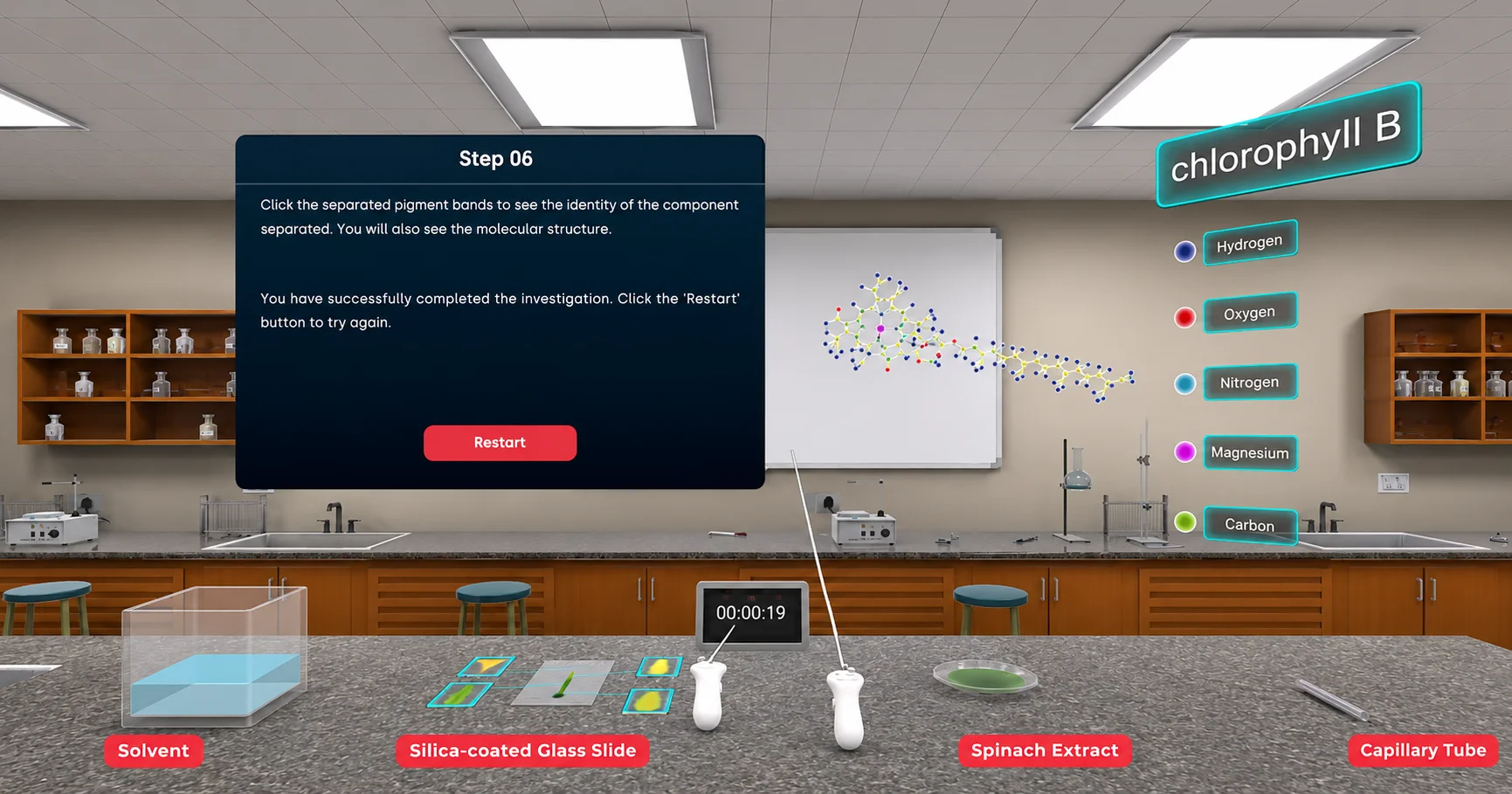
Chemistry
11 modules — quantitative analysis, separation techniques, and instrumental methods. Titration, Thin Layer and Paper Chromatography, UV, IR and NMR Spectroscopy, Stereochemistry, Beer-Lambert Law.
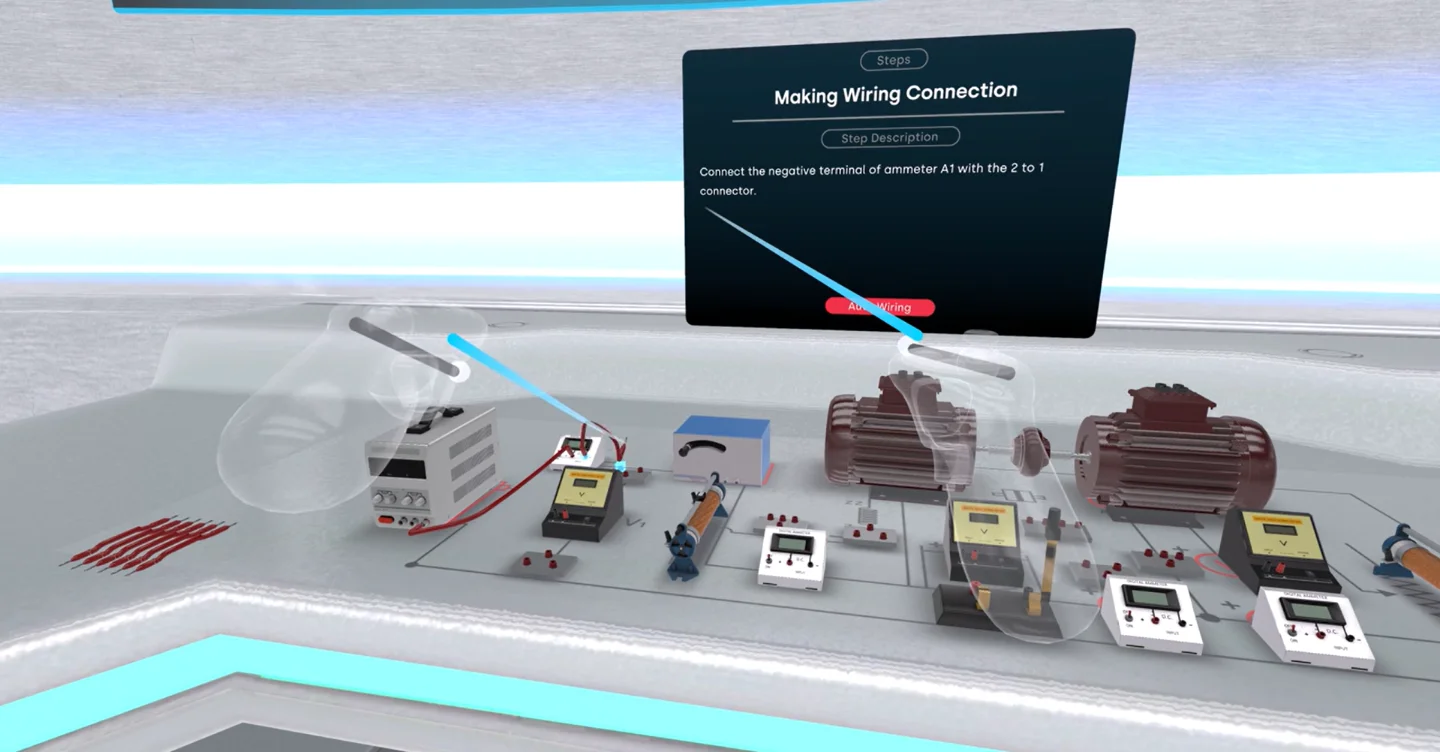
Physics
15 modules — optics, waves, electronics, and mechanical measurement. Michelson's Interferometer, Newton's Ring, Diffraction Grating with He-Ne Laser, Millikan Oil Drop, Hall Coefficient, Transistors, CRO.
Engineering
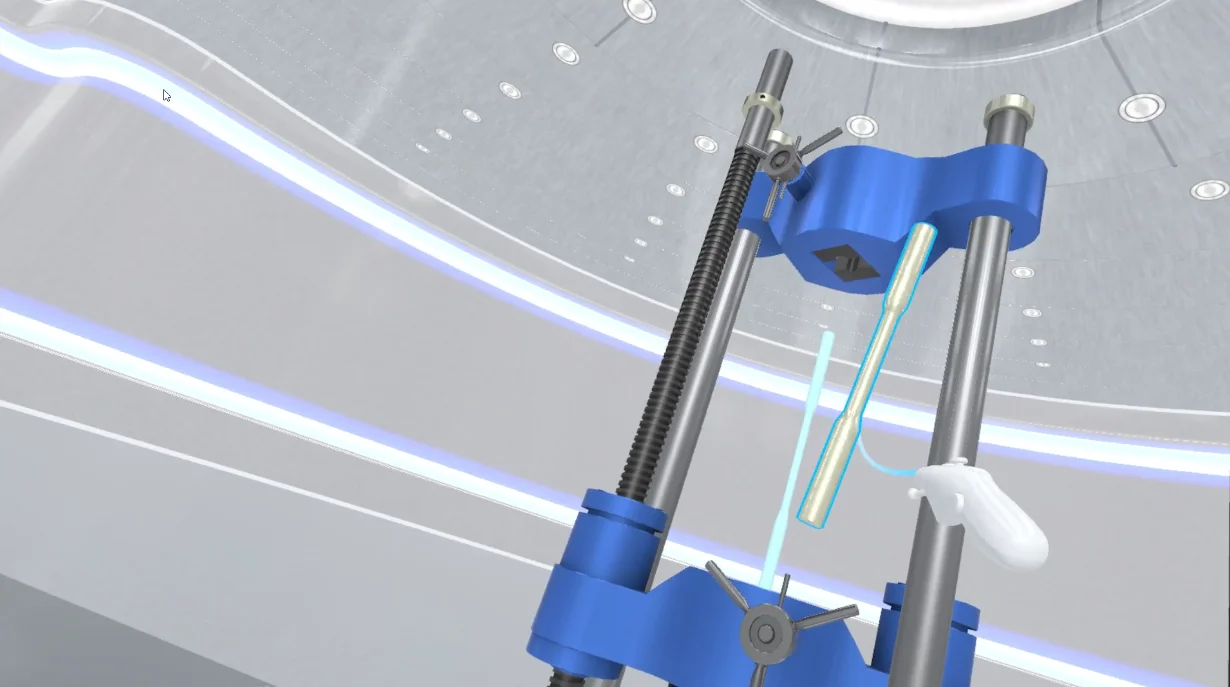
15 modules — power generation, machines, and civil structures. Thermal, Nuclear, Hydro, Solar and Wind Power Plants, Steam Turbine, Induction Motor, Centrifugal Pump, UTM, Bridge Construction.
Our comprehensive package.
One licence, one application, and a complete mapped module library — nothing to assemble, and nothing left for teachers to build themselves.
74 mapped STEM modules
Across Biology, Chemistry, Physics, and Engineering, each mapped to a defined learning outcome.
NGSS & STEM aligned
Designed to support school-level STEM learning outcomes and slot into existing schemes of work.
Interactive VR experiences
Students explore concepts, systems, experiments, and models in immersive 3D rather than watching them.
Classroom-ready use cases
For demonstrations, concept reinforcement, pre-lab preparation, and student-led exploration.
Every module in the app.
The complete list as it ships on ClassVR, grouped by subject. Each module is a self-contained experience with its own learning outcome, apparatus, and guided steps.
Biology
33 modules- Osteology
- Chick Embryo
- Osmoscope
- Giant Chromosomes
- Potometer
- Photosynthesis
- Rat Dissection
- Prawn Dissection
- Earthworm Dissection
- Respirometer
- Stomata
- Bacteria Staining
- Extraction of DNA
- Endocrine System
- Nervous System
- Heart
- Circulatory System
- Respiratory System
- Muscular System
- Excretory System
- Digestive System
- Integumentary System
- Reproductive System
- Skeletal System
- Cellular Respiration
- Micropropagation
- Meiosis
- Mitosis
- SDS PAGE
- Culture Media
- Dicot Monocot
- Estimation of Haemoglobin
- Blood Group Test
Chemistry
11 modules- Titration
- Thin Layer Chromatography
- Paper Chromatography
- UV Spectroscopy
- IR Spectroscopy
- NMR Spectroscopy
- Polarimetry
- Refractometer
- Ebullioscopy
- Stereochemistry
- Beer-Lambert Law
Physics
15 modules- Michelson's Interferometer
- Newton's Ring
- Diffraction Grating
- Diffraction Grating with He-Ne Laser
- The Prism
- Quincke’s Tube Method
- Millikan Oil Drop
- Hall Coefficient
- Hysteresis Loop
- Transistors
- Multivibrator
- Cathode Ray Oscilloscope (CRO)
- Calorimetry
- Rigidity Modulus
- Flywheel
Engineering
15 modules- Thermal Power Plant
- Nuclear Power Plant
- Hydro Power Plant
- Solar Power Plant
- Wind Power Plant
- Bifacial Solar Panel
- Steam Turbine
- Induction Motor
- Centrifugal Pump
- Shell and Tube Heat Exchanger
- Step-Down Transformer
- Water Treatment Plant
- Dam Cross Section
- Bridge Construction
- UTM
A look at what students actually step into.
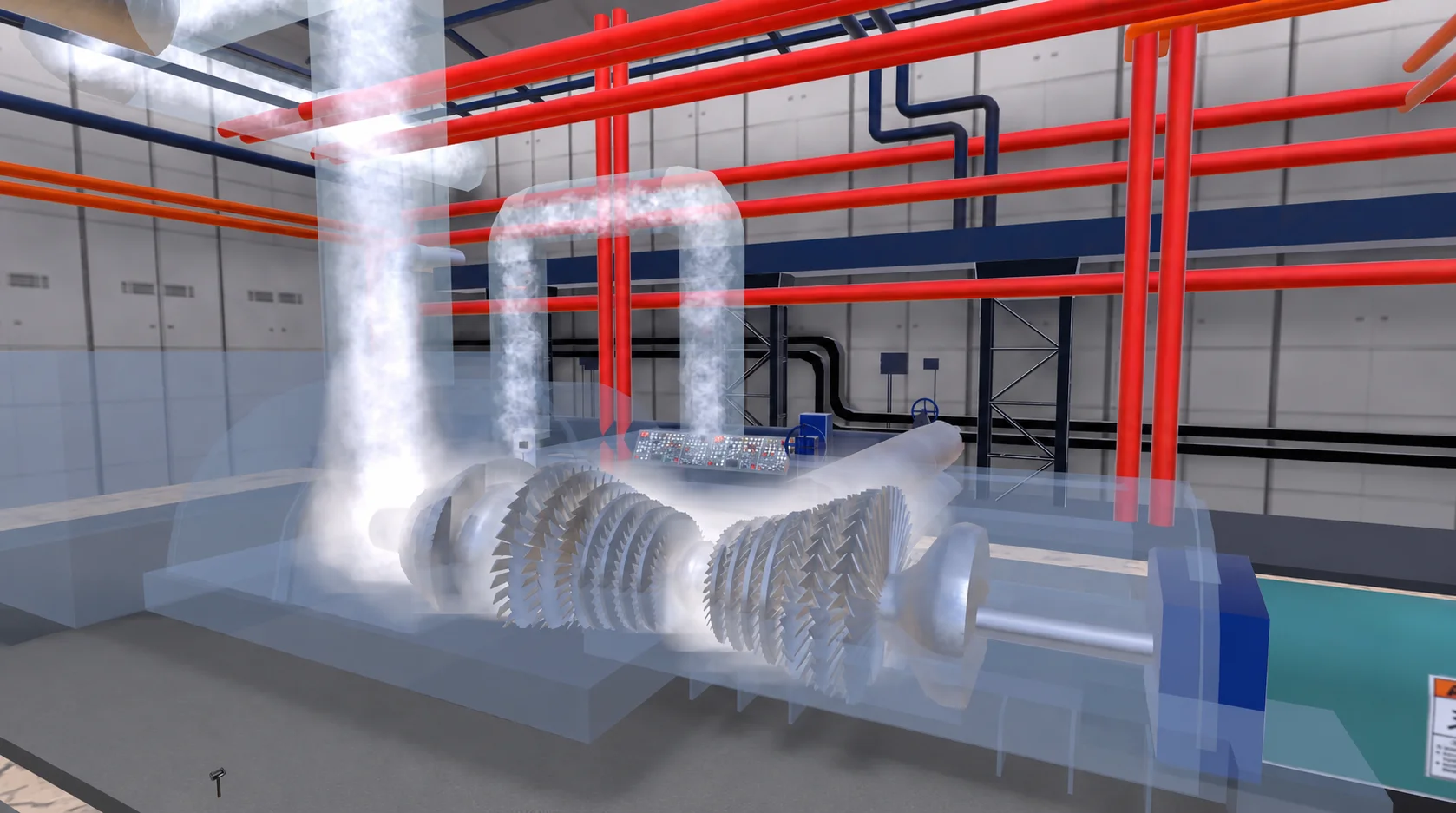
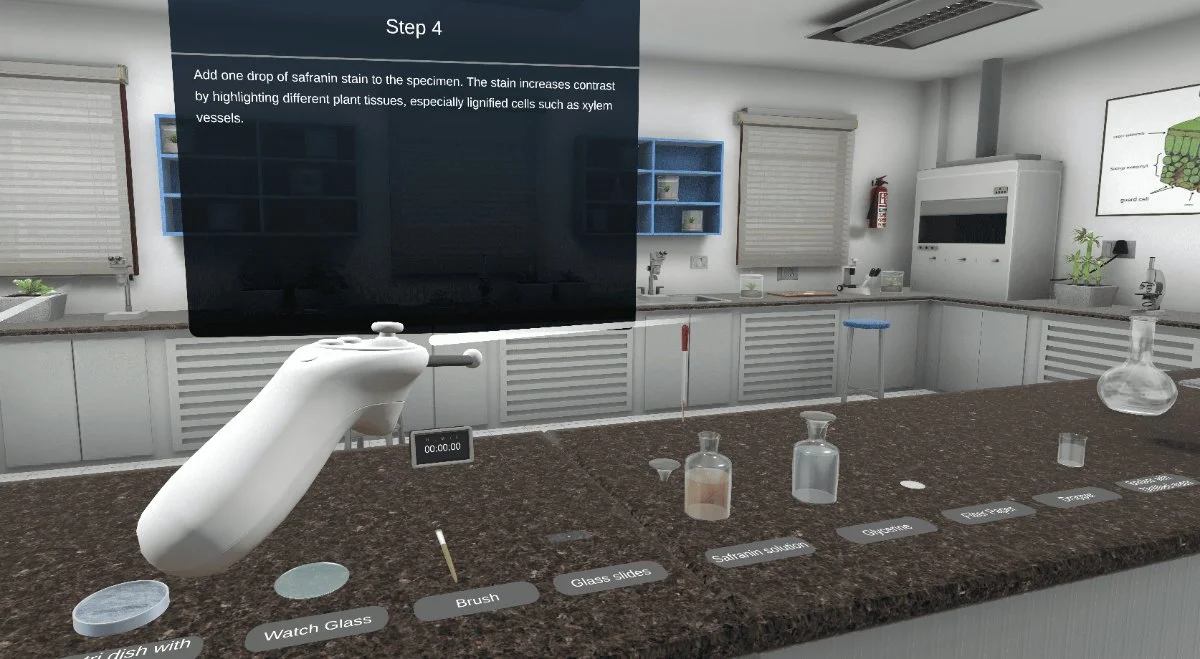
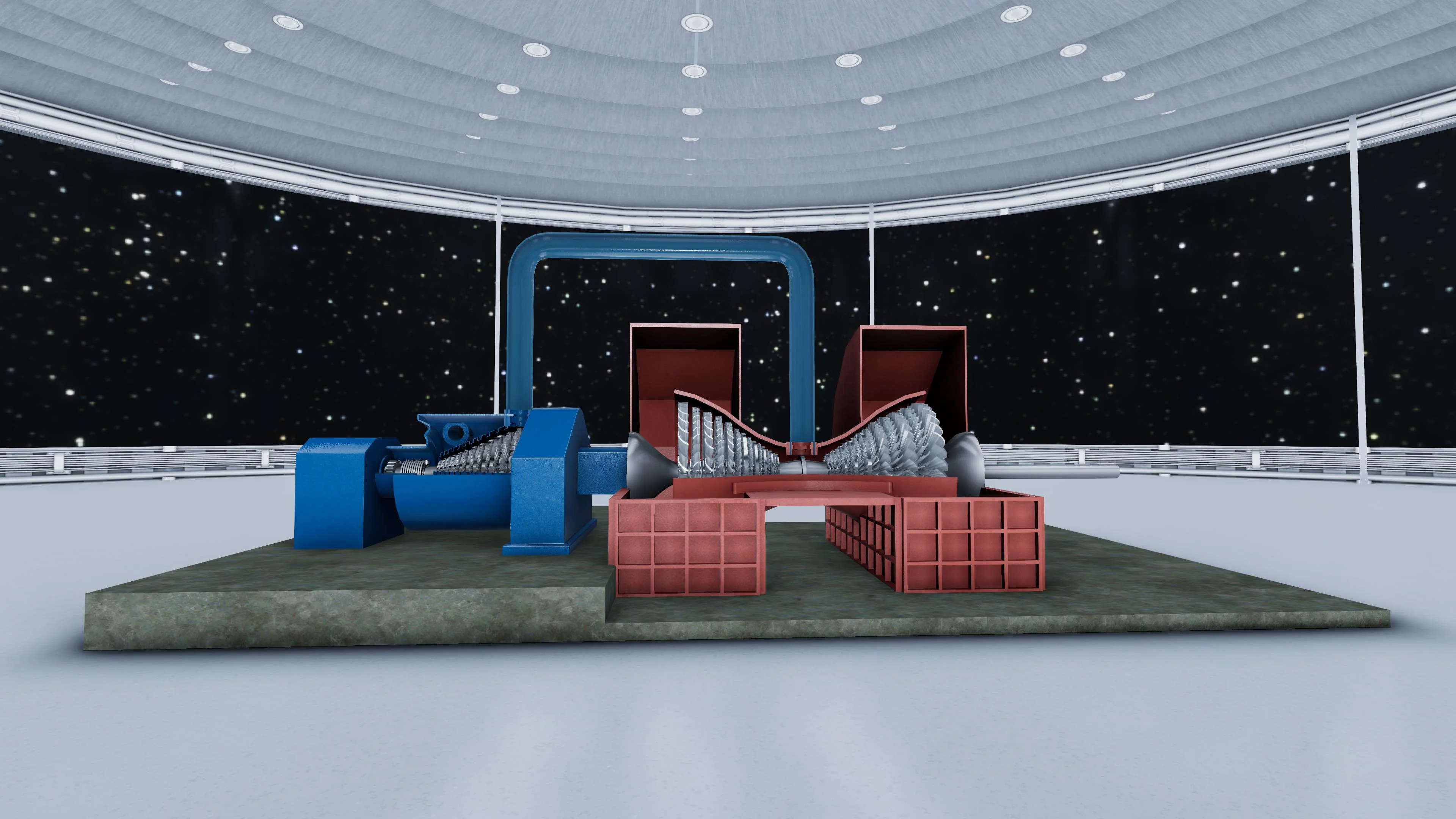
Every module is one of four kinds of learning experience — a manipulable 3D model, a repeatable experiment, a full simulation, or a walkthrough of a real industrial site. Below is a sample of the library.
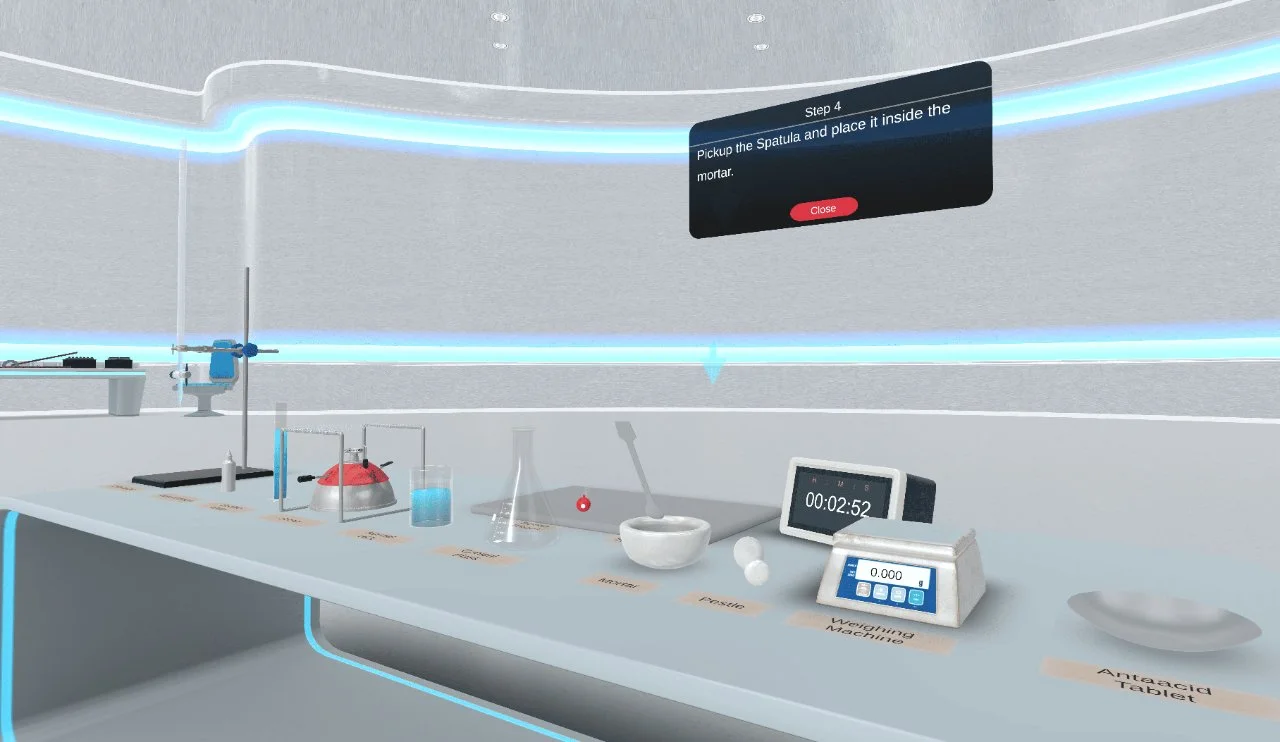
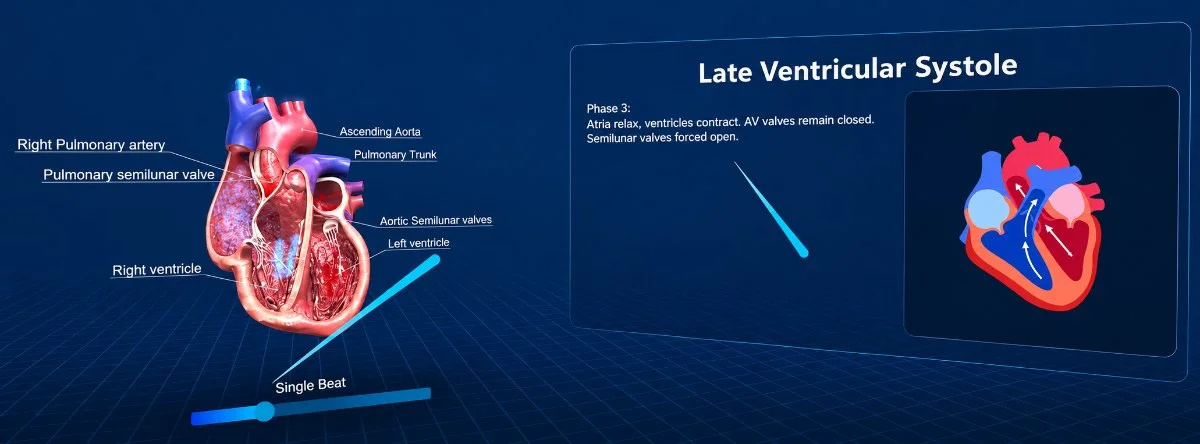
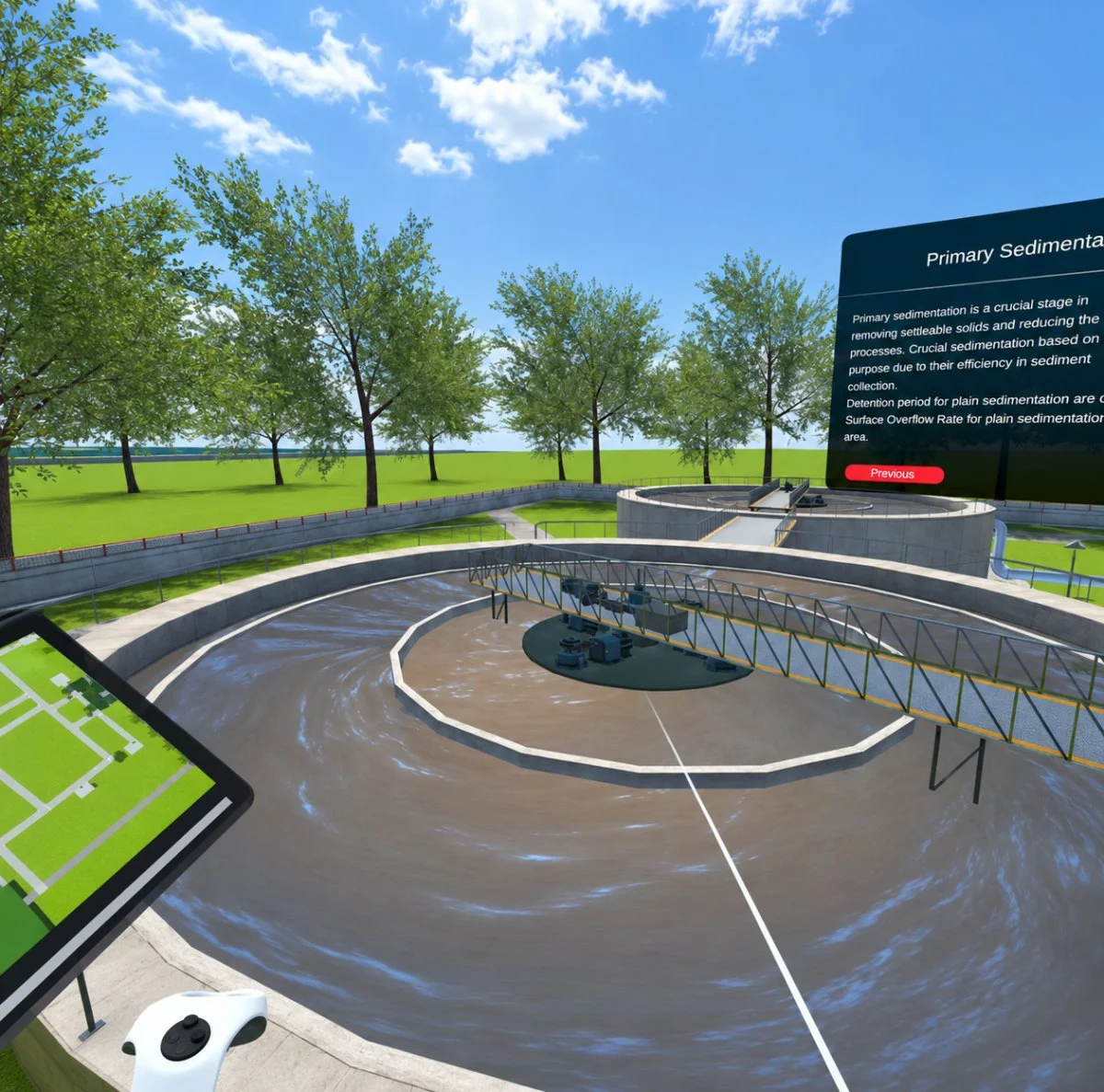
Browse the full iXRLabs module list — 500+ modules across schools, further education, and higher education.
Five ways teachers use STEM VR in a lesson.
Modules are short, self-contained, and teacher-controlled, so a headset session fits inside a normal period rather than replacing it. Faculty keep leading the lesson; the VR module carries the part that is hard to show on a whiteboard.
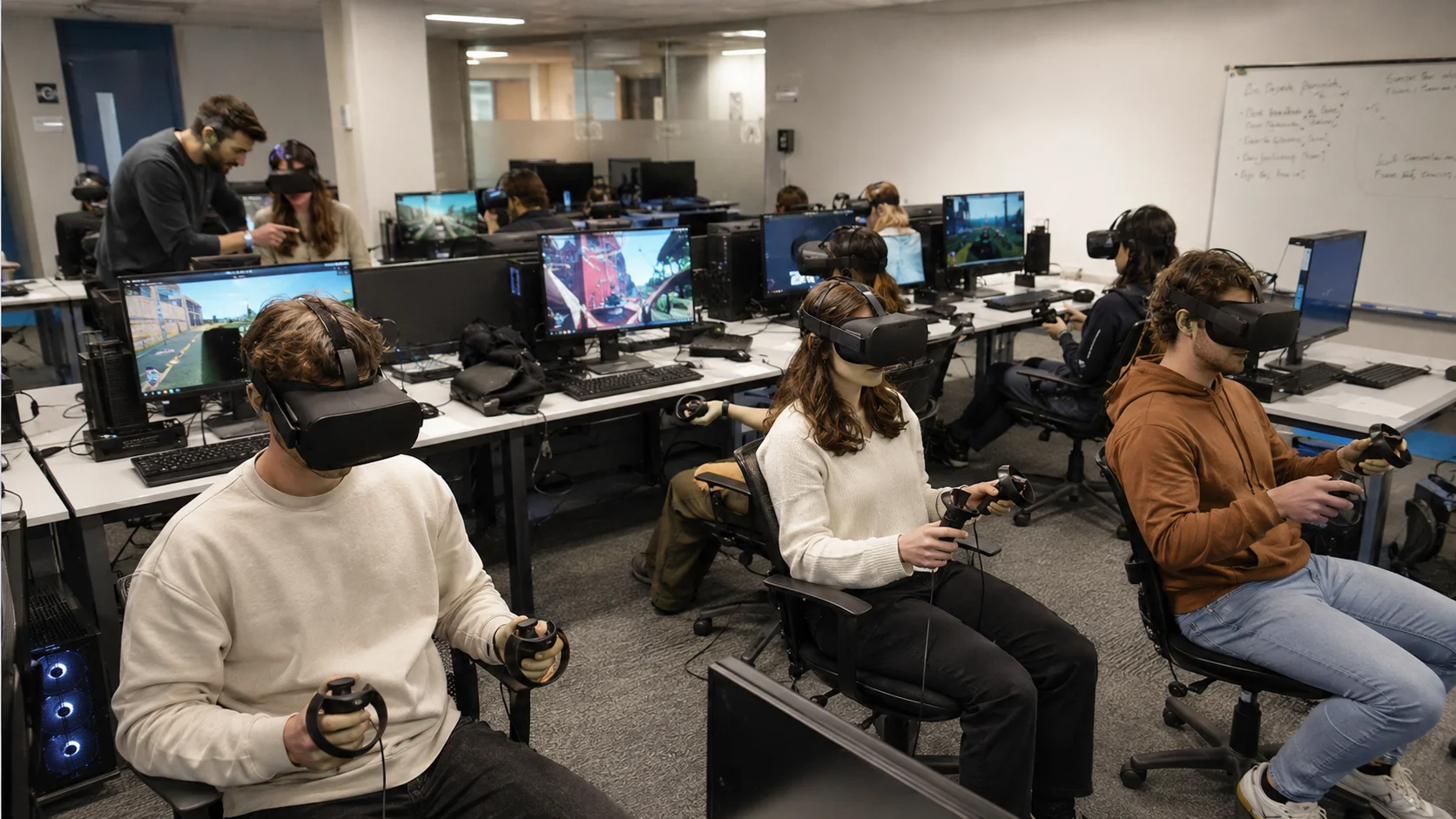
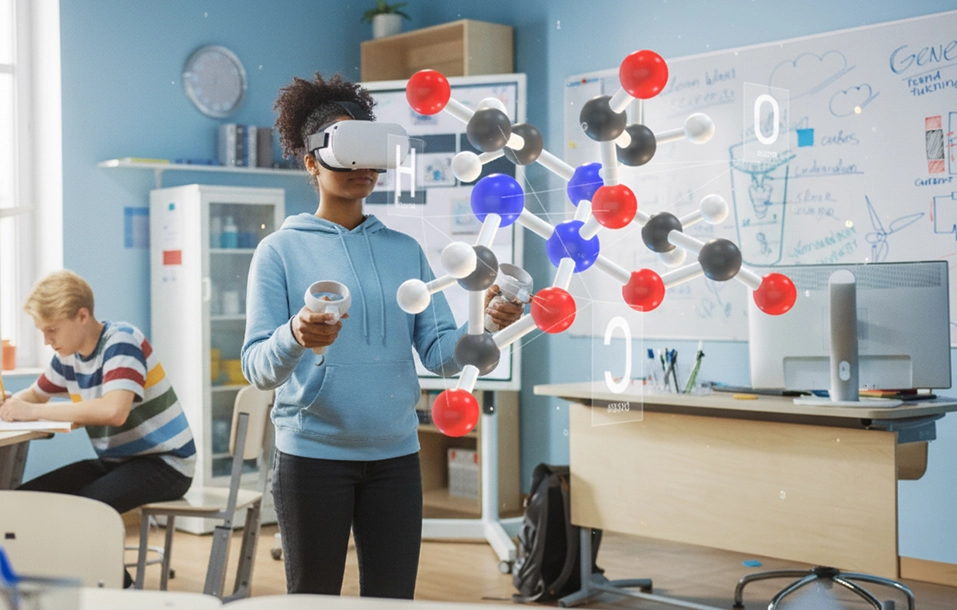
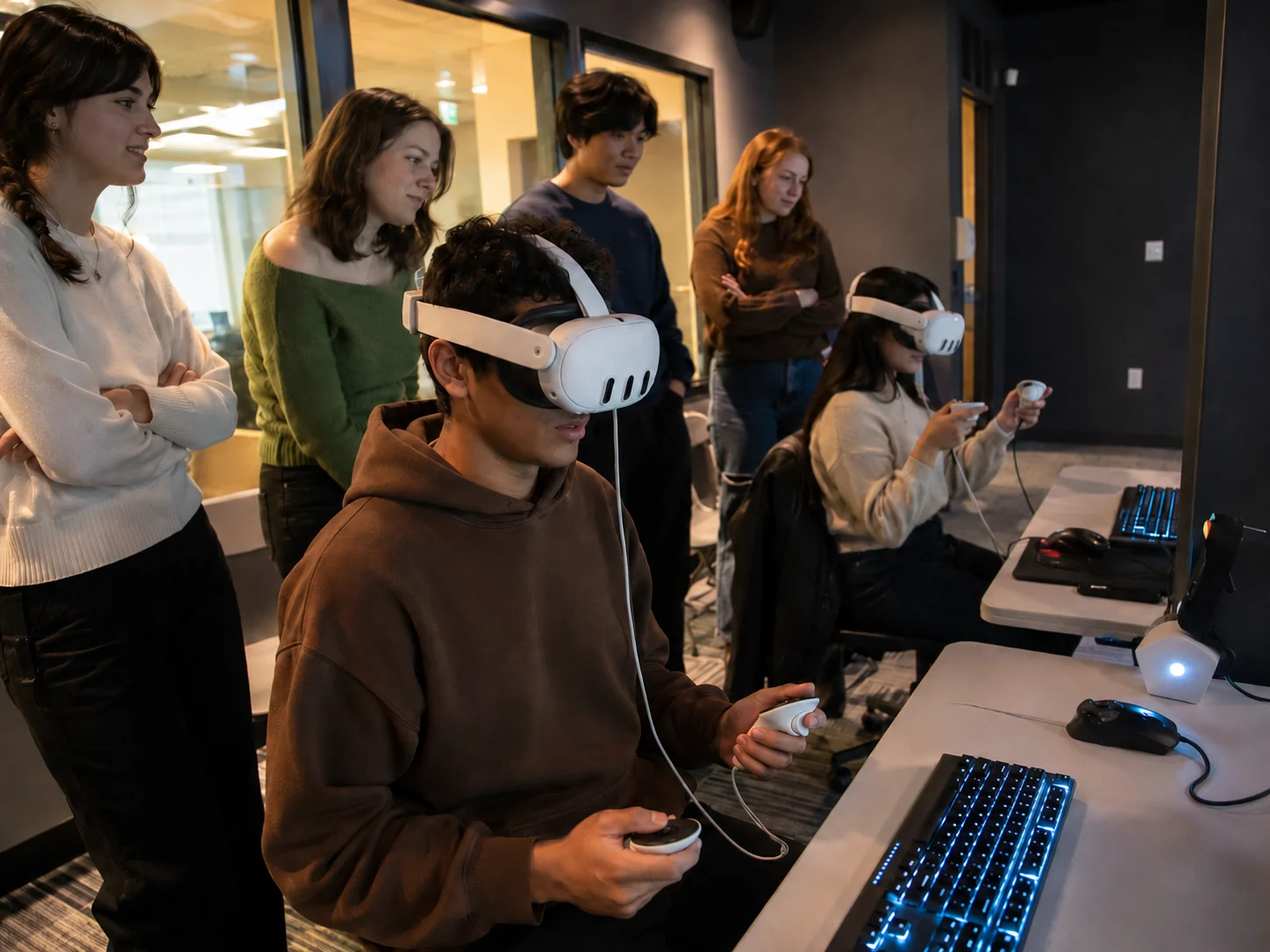
Any major XR headset. Any modern browser.
The STEM VR App is not tied to one device or one vendor. Schools run it on the headsets they already own — and on laptops, desktops, and Chromebooks for classes without headsets, revision, or remote learning.


Any major 6DoF XR headset — Meta Quest, Pico, HTC Vive, ClassVR Xcelerate, and more.
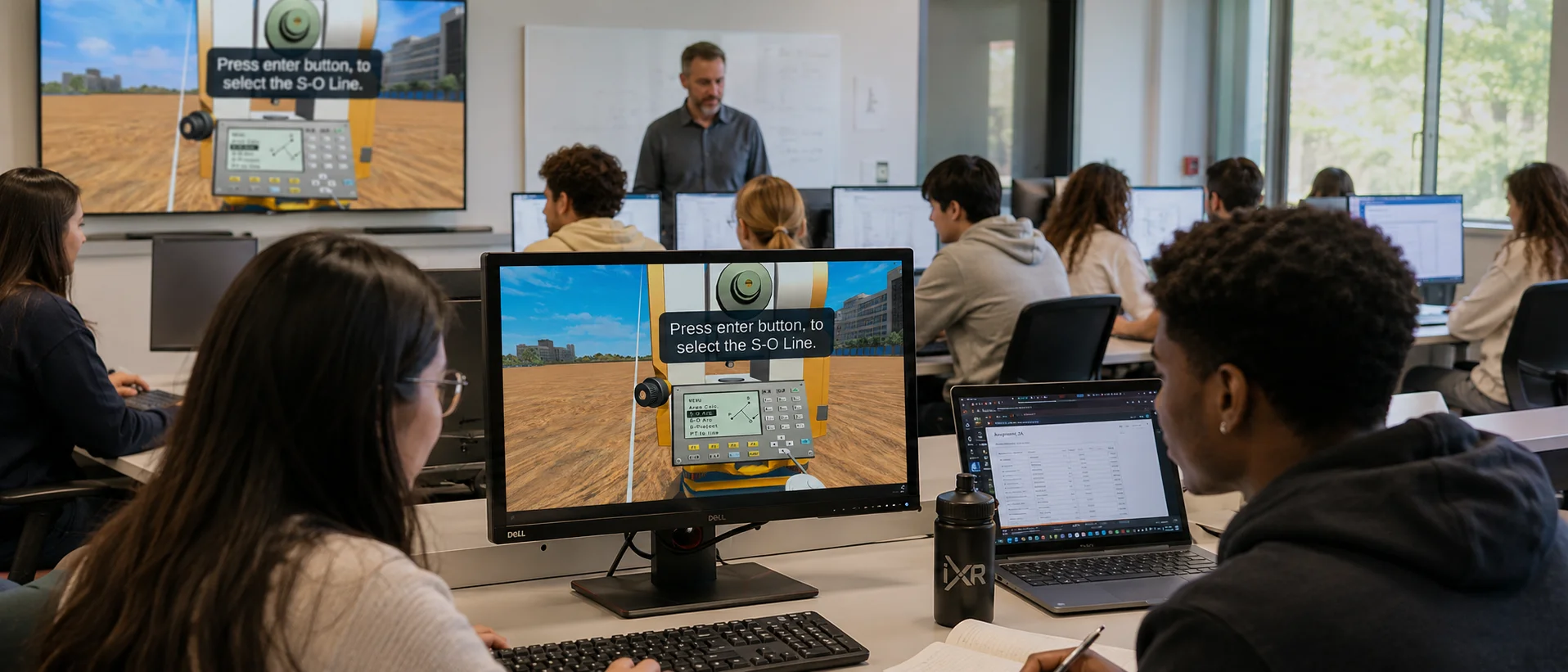
The same modules in the browser, no headset needed.
Why schools choose immersive STEM.
Abstract science is the hardest thing to teach from a textbook. Immersive modules give students a place to stand inside the concept — and give departments a repeatable, safe alternative to equipment they cannot buy or cannot risk.
Built for schools teaching STEM with immersive technology.
If headsets are already in the building, the STEM VR App is a content decision rather than a hardware project — and if they are not, the browser version starts today.
Available on ClassVR, listed in EduverseSTEM.
EduverseSTEM is ClassVR’s own STEM content offering, and the iXRLabs STEM VR App is one of the specialist apps available within it. ClassVR provides the platform, the headsets, and the classroom management; we build and maintain the modules. Schools already running ClassVR can add our app to an existing deployment, while schools on other headsets licence it directly from us.


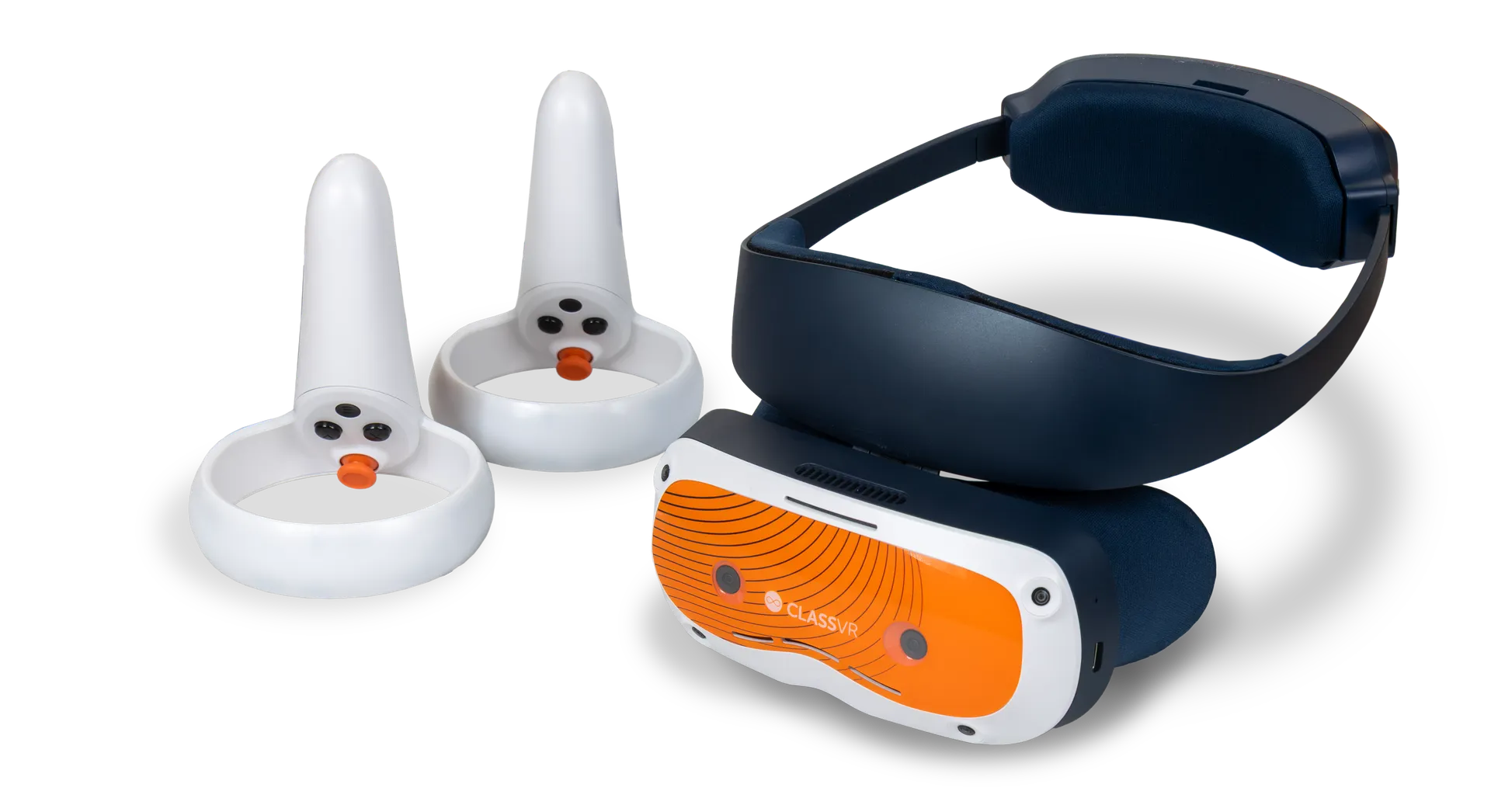
 6DoF headsets
How the two fit together
ClassVR owns the platform, the hardware, and EduverseSTEM. We own the STEM VR App and the modules in it, offered through EduverseSTEM as specialist science and engineering content.
Deploy to your fleet
Push the app to every headset in your fleet from the ClassVR Portal, rather than setting up each device by hand.
Teach with mapped modules
Pick the module that matches the lesson objective and run it as a demonstration, a pre-lab, or an exploration task.
Our app is one part of it — see the complete EduverseSTEM offering from ClassVR.What schools ask about the STEM VR App.
The questions science leads, IT, and procurement raise most often before a deployment.
What is the iXRLabs STEM VR App?
It is a single application containing 74 curriculum-mapped modules across Biology, Chemistry, Physics, and Engineering, built for students aged 13–18. It works on any major XR headset and in the browser, and is also listed in EduverseSTEM, ClassVR’s STEM content offering.
Which curricula does it align to?
Modules are designed to support NGSS and general school-level STEM learning outcomes, and map to the topics taught in middle and high school science and engineering programmes.
Do teachers need VR experience to use it?
No. Sessions are teacher-controlled from your headset management portal, and each module is short enough to run inside a normal lesson as a demonstration or a guided activity.
Does it replace practical lab work?
It complements it. Schools typically use STEM VR for pre-lab preparation, for concepts that cannot be shown safely or affordably, and for repeat practice that consumables would otherwise limit.
How does a school buy it?
Directly from iXRLabs, or through ClassVR’s EduverseSTEM offering if your school buys ClassVR content. Either route can start with a guided demo.
What headsets does it run on?
Any major XR headset — Meta Quest 2 / 3 / Pro, Pico, HTC Vive, ClassVR Xcelerate, and other 6DoF deadsets — plus any modern browser with no headset at all.
How long is a typical VR session?
Short and focused — 5 to 20 minutes of immersive time inside a standard lesson, with students returning to discussion, practical work, or written tasks afterwards.
Still deciding? Talk to our schools team — procurement, IT, and pedagogy questions welcome.
Bring 74 STEM modules into your classroom.
Book a 30-minute demo tailored to your subjects and year groups, or talk to us about licensing for your headsets.